FSR vs DLSS: The Battle for Better Frame Rates in PC Gaming
FSR vs DLSS dive into the tech that boosts frame rates and smooths gameplay—helping you pick the best for your PC gaming setup.
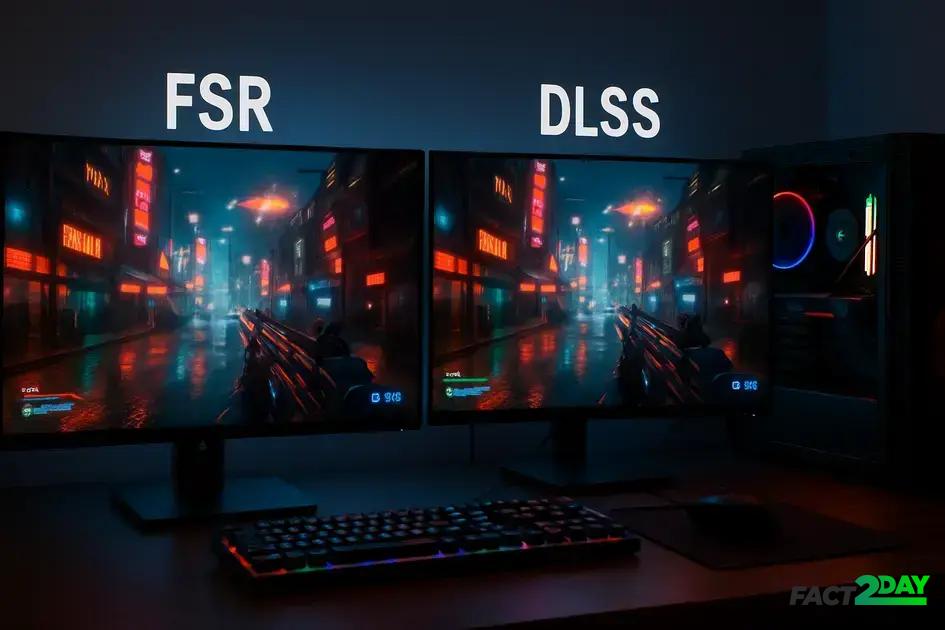
FSR and DLSS are upscaling technologies that boost PC gaming frame rates by rendering lower resolutions and enhancing visuals, with DLSS offering AI-driven sharpness on NVIDIA RTX GPUs, while FSR provides broader hardware compatibility with solid performance gains.
FSR vs DLSS often sparks debate among gamers looking to squeeze better frame rates on their PCs. Ever wondered which tech delivers smoother gameplay without killing graphics? Let’s unpack the strengths and quirks of each.
understanding the basics of fsr and dlss
FSR (FidelityFX Super Resolution) and DLSS (Deep Learning Super Sampling) are two popular upscaling technologies designed to improve gaming performance. Both aim to increase frame rates by rendering games at lower resolutions and then upscaling them to the display’s native resolution. This process helps maintain visual quality while reducing the strain on your GPU.
FSR is developed by AMD and works on a wide range of graphics cards, including those from NVIDIA and older AMD models. It uses a spatial upscaling algorithm that analyzes each frame independently to boost performance without relying on specialized hardware. This makes FSR highly accessible and compatible.
In contrast, DLSS is created by NVIDIA and depends on AI-powered deep learning through dedicated Tensor Cores found only in newer NVIDIA RTX GPUs. DLSS leverages data from game training to reconstruct detailed images, often resulting in sharper visuals compared to traditional upscaling. However, it requires compatible hardware and game support.
Key distinctions between FSR and DLSS
- Compatibility: FSR supports a broader range of GPUs, while DLSS is limited to NVIDIA RTX cards.
- Technology: FSR relies on spatial upscaling; DLSS employs temporal AI-driven reconstruction.
- Visual quality: DLSS often delivers higher quality upscaling due to machine learning enhancements.
- Game support: DLSS requires game developers to integrate its SDK; FSR can be implemented more easily in diverse titles.
Understanding these basics helps gamers choose the right option based on their hardware and preferences. While FSR offers flexibility and broad access, DLSS may provide superior image quality and performance for supported systems. Both have changed the way modern PC games achieve high frame rates without sacrificing looks.
how fsr and dlss impact game performance
FSR and DLSS significantly impact game performance by increasing frame rates and reducing the load on your graphics card. They do this by rendering a game at a lower resolution and then upscaling it to your display’s native resolution.
With FSR, the upscaling is done using a spatial algorithm that focuses on sharpening the image without heavy hardware demands. This allows a wider range of GPUs to benefit from improved performance, making games run smoother, especially on mid-range systems.
In contrast, DLSS uses AI and machine learning to predict and generate frames, which can deliver even higher frame rates while maintaining, or sometimes improving, visual fidelity. This AI-based approach takes advantage of the Tensor Cores in NVIDIA RTX GPUs, making it highly efficient but hardware-specific.
Performance benefits in action
- Higher frame rates: Both technologies can boost frames per second (FPS), providing smoother gameplay and reducing lag.
- Lower GPU workload: By rendering fewer pixels natively, the GPU has to process less data, which often leads to cooler operation and less power consumption.
- Better gameplay experience: Increased FPS and stable visuals contribute to a more immersive and responsive gaming session.
Keep in mind that the actual performance gains depend on the specific game, resolution, and hardware configuration. Some titles optimize particularly well with DLSS or FSR, while others show more moderate improvements.
compatibility: which games and hardware support these technologies
Compatibility is a major factor when choosing between FSR and DLSS, as they differ significantly in supported games and hardware requirements.
FSR (FidelityFX Super Resolution) is highly versatile, working on a wide range of graphics cards from both AMD and NVIDIA, including older models. Its open-source nature allows many game developers to integrate it easily, resulting in strong support across various titles. This makes FSR a great choice for gamers with mid-range or older GPUs who want better performance without upgrading their hardware.
On the other hand, DLSS (Deep Learning Super Sampling) is exclusive to NVIDIA RTX GPUs because it depends on specialized AI Tensor Cores. Only games that have integrated NVIDIA’s DLSS SDK can utilize this technology. Though more limited in compatibility, DLSS is supported by many popular AAA titles, often delivering superior upscaling quality and performance for RTX card owners.
Supported games and hardware overview
- FSR: Compatible with a broad spectrum of games and GPUs, including AMD RX series and NVIDIA GTX/RTX cards.
- DLSS: Limited to NVIDIA RTX series GPUs and supported only in games programmed to use DLSS.
Before deciding which technology to use, check if your favorite games support FSR or DLSS, and confirm your hardware compatibility. This ensures the best performance and visual experience tailored to your system.
visual quality comparison: does performance sacrifice detail?
When comparing visual quality between FSR and DLSS, gamers often wonder if increased performance means sacrificing image detail. Both technologies aim to improve frame rates while maintaining clear and sharp visuals, but they achieve this with different approaches.
FSR uses spatial upscaling, which enhances edges and textures within a single frame. Because it doesn’t use AI or temporal data, image quality can sometimes show minor blurring or artifacts, especially in fast-moving scenes. However, FSR modes offer a balance between performance and quality with presets that range from ultra-quality to ultra-performance.
On the other hand, DLSS leverages AI-driven temporal reconstruction, analyzing multiple frames to produce sharper and more detailed images. This often results in visuals that can look close to or even better than native resolution. The advanced machine learning allows DLSS to reduce noise and preserve fine details, especially in complex scenes.
Visual quality trade-offs
- FSR: Slightly softer image but wider hardware support;
- DLSS: Sharper visuals due to AI, but limited to NVIDIA RTX GPUs;
Ultimately, performance gains from both technologies come with varying levels of trade-off in detail. Deciding which is better depends on your hardware and how much you value crisp visuals over raw frame rates.
real-world testing: frame rates and user experience
Real-world testing reveals how FSR and DLSS affect frame rates and overall user experience in actual gaming scenarios. Benchmarks and user reviews point to notable improvements with both technologies, but results can vary depending on the game, settings, and hardware.
In many titles, enabling DLSS can lead to a 30-50% boost in frame rates while maintaining or even improving image quality. This is especially true on NVIDIA RTX cards, where the AI upscaling techniques show their strength in handling complex graphics and fast-moving scenes.
FSR, while generally offering slightly lower performance boosts compared to DLSS, demonstrates substantial gains on a wider range of systems. Users report smoother gameplay and reduced stutter even on older GPUs, thanks to FSR’s hardware-agnostic approach.
User experience factors
- Smoothness: Both technologies reduce lag by increasing FPS, making controls feel more responsive.
- Visual fidelity: DLSS often preserves finer details better, but FSR remains a solid choice for those without RTX hardware.
- Compatibility: FSR works across more devices, whereas DLSS is limited but optimized for supported systems.
Players should test these options according to their hardware and favorite games to find the best combination of smooth performance and visual quality tailored to their preferences.
choosing what fits best for your pc and gaming style
Choosing between FSR and DLSS depends on your PC’s hardware, gaming preferences, and what you prioritize: compatibility, performance, or visual quality.
If you have a newer NVIDIA RTX graphics card, DLSS is often the best choice for maximizing frame rates without losing much detail. Its AI-driven upscaling provides sharp visuals and smooth gameplay, especially in demanding games.
For gamers with a wider variety of GPUs, including older models or AMD cards, FSR offers broad compatibility. It delivers solid performance boosts and decent visuals while being easy to enable in many titles.
Factors to consider when choosing
- Hardware: DLSS requires NVIDIA RTX GPUs; FSR supports most modern GPUs.
- Game support: Check if your favorite games support DLSS SDK or FSR technology.
- Visual preference: DLSS generally produces sharper images, while FSR may offer slightly softer but still clear visuals.
- Performance needs: Consider whether you want maximum FPS or a balance between speed and image quality.
Testing both technologies where possible is useful to find what works best for your system and desired gaming experience. Tailoring your choice ensures you get smooth, enjoyable gameplay that fits your style.
Choosing the right upscaling technology for your gaming setup
Both FSR and DLSS offer valuable ways to boost frame rates and improve gameplay. Your choice depends mainly on your hardware and the games you play.
If you have an NVIDIA RTX card, DLSS provides impressive visuals and smooth performance. For wider compatibility and ease of use, FSR is a solid option that works on many GPUs.
Testing both when possible helps you find the best balance between speed and image quality. In the end, the right choice enhances your gaming experience without breaking your system.